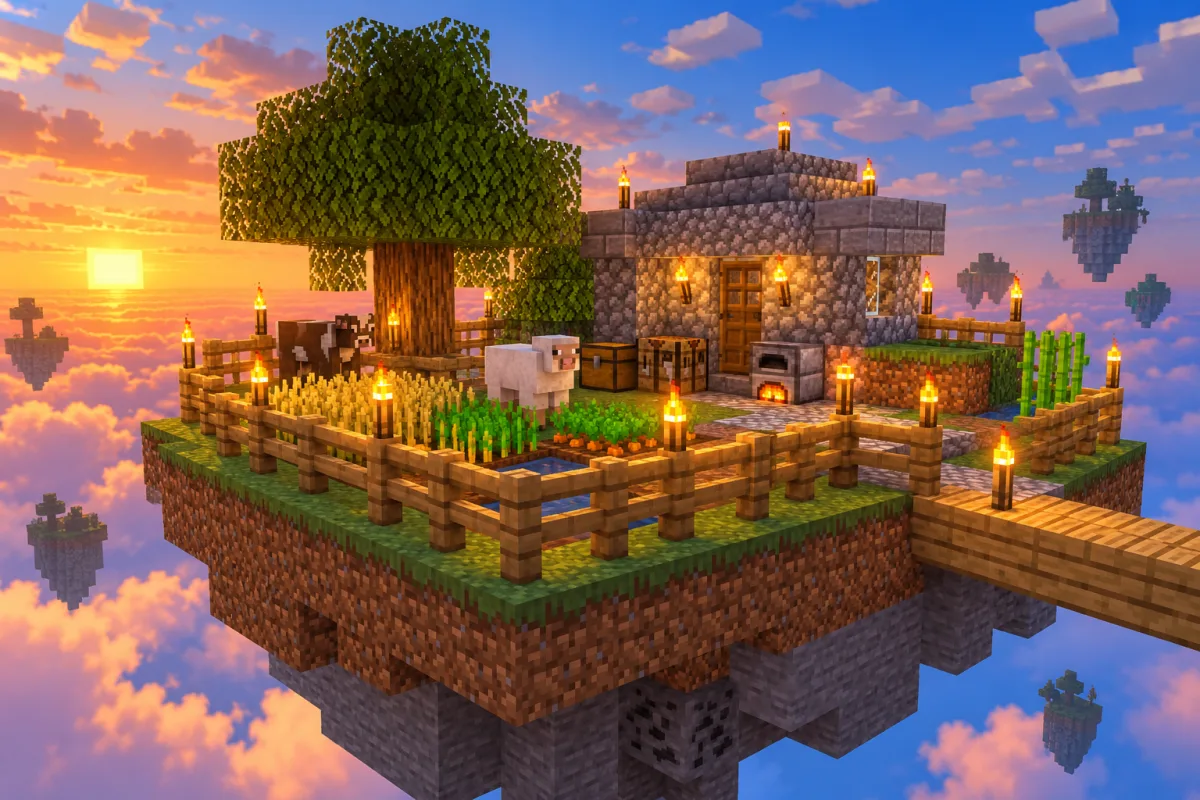
Organize Your One Block Storage
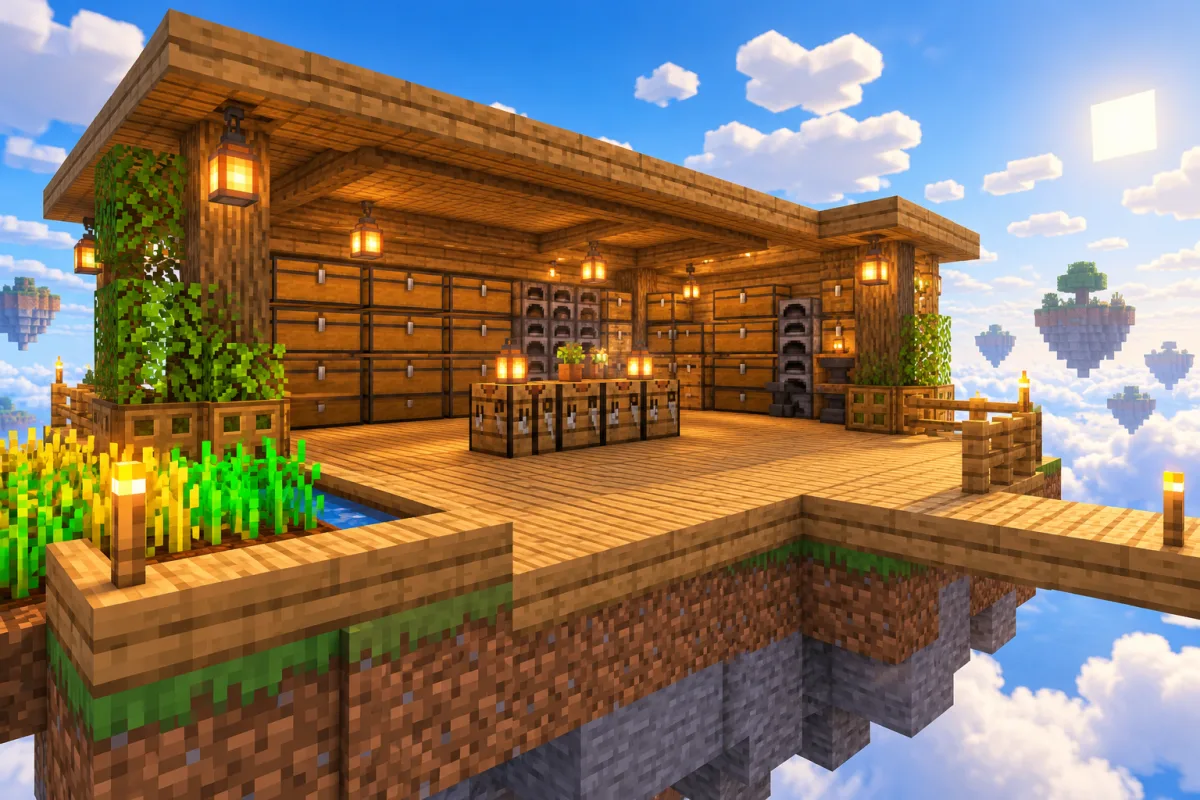
One Block generates a changing mix of materials, and a single unsorted chest quickly becomes difficult to use. Good storage helps you notice shortages before a project stalls. You do not need an automated warehouse: a few clear categories and a habit of putting things away can make a small island much easier to manage.
Sort by what you do with items
Begin with building blocks, farming supplies, tools and equipment, and rare materials. Add categories only when an existing chest becomes crowded. Keep wood near the crafting area and planting supplies near the farm. This follows your normal movements instead of forcing you to cross the island whenever you need a replacement tool or another stack of blocks.
Separate reserves from project supplies
Set aside spare saplings, seeds, essential tools and materials you would struggle to replace. Keep these away from the chest used for everyday construction. The distinction matters more than elaborate labels: you should know which supplies are available to spend and which keep the island running. Refill the reserve after a project uses part of it.
Create an unloading point
Place a temporary drop-off chest near the mining area so you can empty your inventory during short breaks. Sort it at the end of a session. Do not let it become permanent overflow, or it will recreate the problem you were trying to solve. Keep storage access clear of the regenerating block and any space where new mobs might appear.
Make the system readable for everyone
Use signs or other labels when materials permit, and keep names consistent. In a shared world, explain where tools go and which items are reserved. Leave enough room to open chests and move around players. Review the layout after a few sessions: the best storage system is one you can follow while tired, busy or using touch controls.